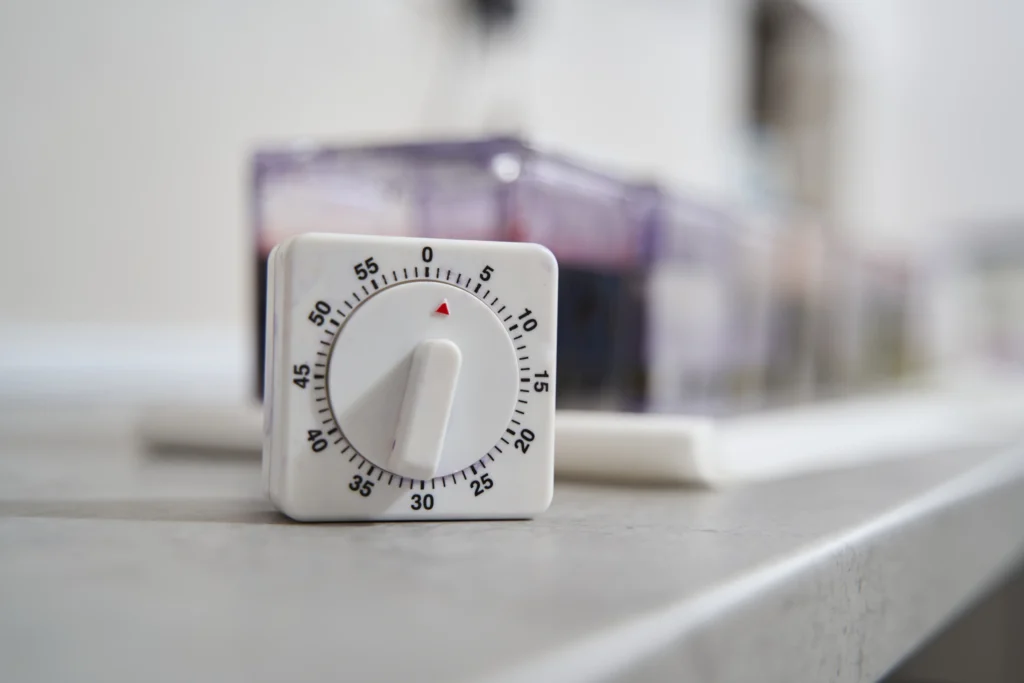
Are you tired of returning to the dark home every day, or always worried about the lights at home when traveling? Mechanical timer switch is one of the most effective, affordable and reliable solutions for home automation.
In this comprehensive guide, we will discuss everything you need to know about mechanical timer switch. We will compare it with the digital timer switch, explain how to set it up, and focus on how to use mechanical light switch timer to protect your home security and reduce electricity bills.
What is Mechanical Timer Switch?
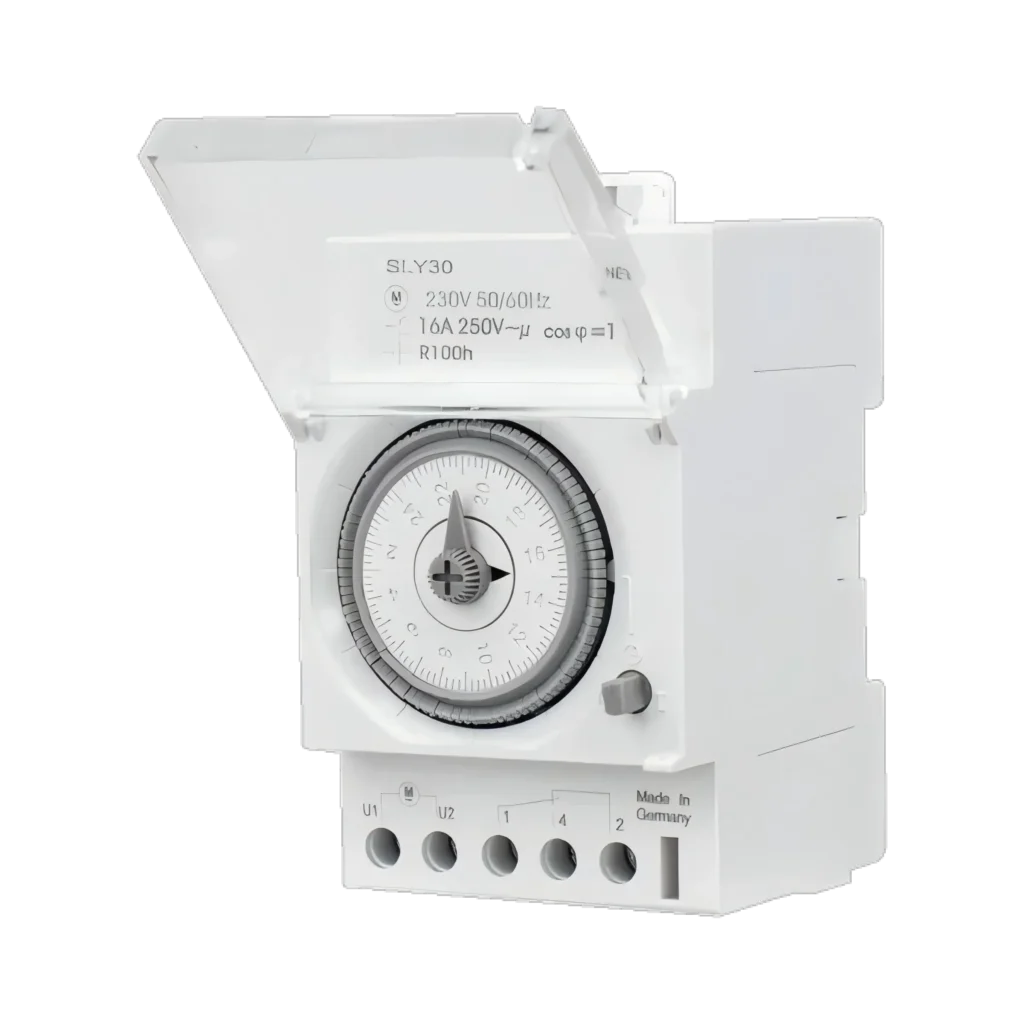
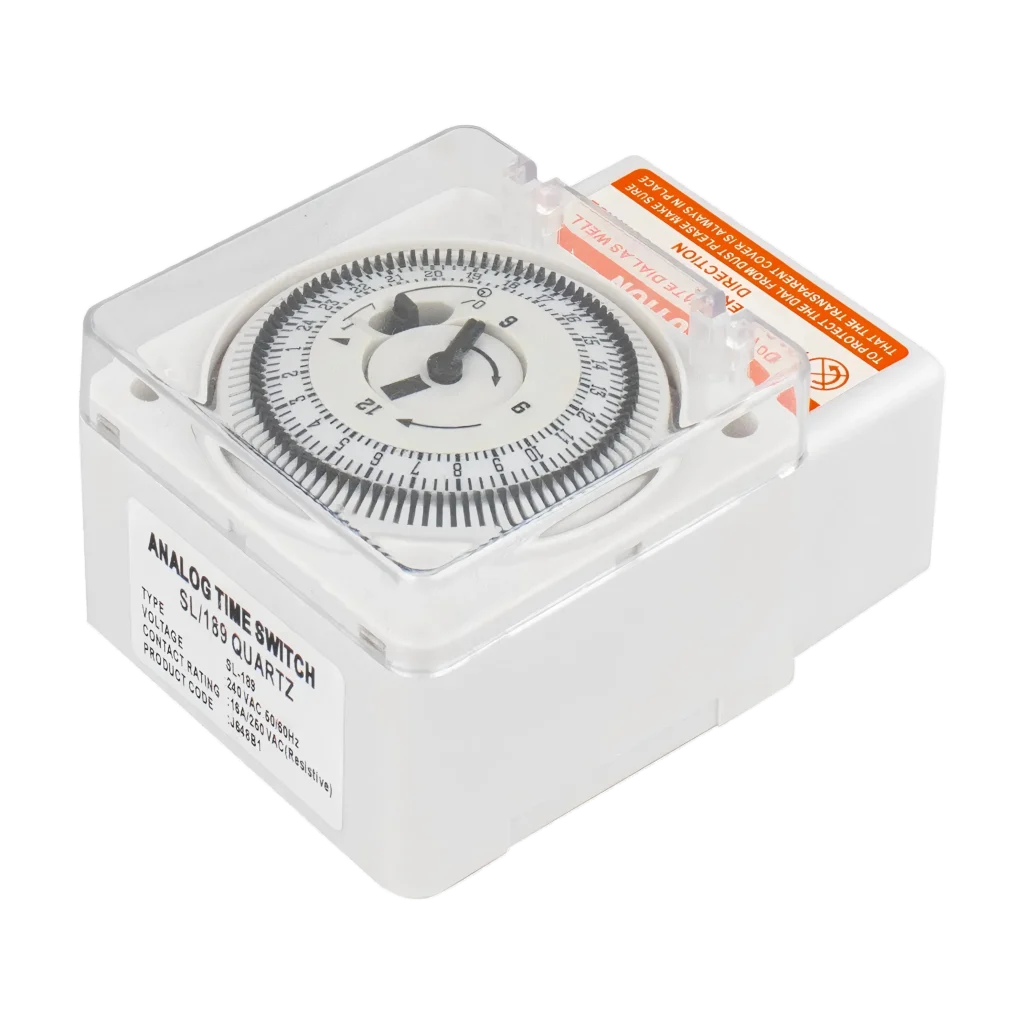
Mechanical timer switch controls the power supply of an appliance or luminaire according to a preset timetable. It operates using a physical clock mechanism, usually an electric dial that rotates within 24 hours.
How Does it Work?
The operation of the mechanical time switch is very intuitive, which is also why it is popular because of its’ set it and forget it‘ nature.
- The Dial: The surface of the timer has a dial marked 24 hours (usually divided into day and night areas).
- The Pins: Around the dial, there are non-removable or detachable dials (Tabs/Pins). Press the dial (or pull up according to the model) to close the circuit and turn the device into an “on” state.
- The Cycle: As the dial rotates over time, it will physically push the internal switch according to the position of the dial to switch the power on or off.
This visible and tangible physical interface makes mechanical timer switch extremely easy to use, no matter how the technical level can be easily started.
Mechanical vs. Digital Timer Switch: Which is better?
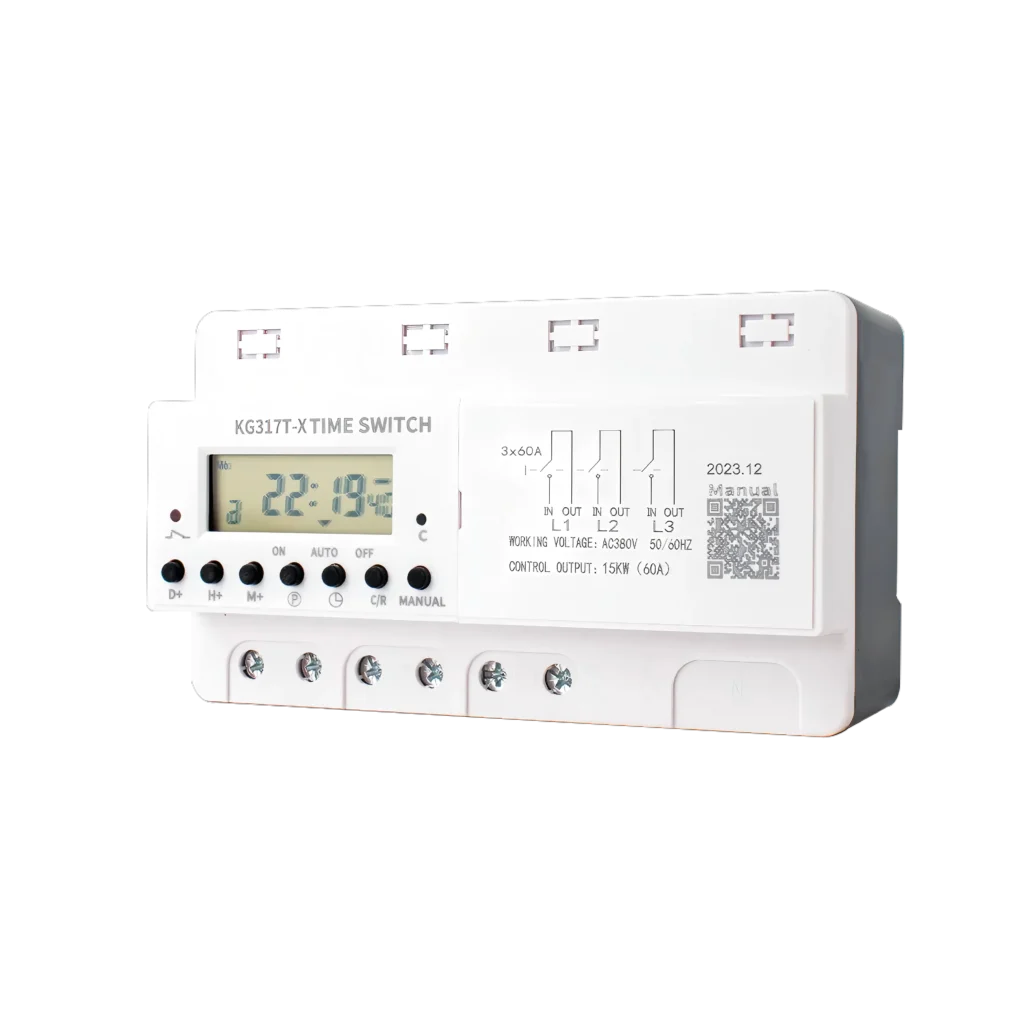
When purchasing automation tools, you inevitably have to face a choice: a mechanical timer switch or a digital timer switch. The main functions of the two are the same, but cater to different needs.
Here ‘s a structured comparison to help you make a decision:
| Comparison Table: Mechanical vs. Digital Timer Switch | ||
|---|---|---|
| Feature | Mechanical Timer Switch | Digital Timer Switch |
| Ease of Use | High: Simple dial and pins. Visual setup. | Medium: Requires programming buttons and reading LCD screens. |
| Precision | 15-30 Minute Intervals: Pins usually represent 15 or 30-minute blocks. | 1-Minute Precision: Can set exact times (e.g., 7:02 PM). |
| Power Source | Draws power directly from the outlet. | Often requires an internal battery backup to save settings. |
| Noise | Can produce a faint ticking sound. | Completely silent operation. |
| Durability | Rugged; fewer electronic components to fail. | Susceptible to power surges or screen failure. |
| Cost | Generally cheaper ($10 – $20). | Slightly more expensive ($15 – $30+). |
Why Choose Mechanical Timer Switch?
If you want a device that is durable, easy to view intuitively, and can be reprogrammed without reading the instructions, mechanical timer switch is a better choice.
Key Benefits of Using Mechanical Switch Timer
It is very convenient to install mechanical switch timer, which provides real benefits for homeowners who want to improve efficiency and safety.
1.Enhancing Home Safety
One of the most popular uses of timer switch is to deter crime. Thieves usually look for unoccupied houses. By connecting the lamp of the living room or the porch lamp to the timer, you can simulate a scene where someone is at home. The mechanical timer is so reliable that you can run it for weeks on end during your holiday to make sure your home never looks black and empty.
2.Remarkable Energy Saving
Turning on the porch lights all day or forgetting to turn off the fan will waste electricity. mechanical timer switch ensures that high-power devices operate only when needed. For example, using a timer on a pool pump or electric heater can save you hundreds of dollars a year.
3.Simple and Reliable
Different from the smart socket that may be disconnected when the router restarts, the mechanical timer switch will always run as long as there is electricity. There is no need to install firmware updates or remember passwords.
Types of Mechanical Timer Switches
You can choose the right device for your specific application to achieve the best results.
Plug-in Mechanical Timer Switch
This is the most common type. You insert the mechanical timer switch into the wall socket and then insert the lamp or appliance into the timer.
- 2-Prong (Polarized): Most suitable for simple table lamp.
- 3-Prong (Grounded): Essential for heavy appliances such as air conditioners or heaters.
- Outdoor Rated: Rugged, waterproof housing designed for festive lights or swimming pool pumps.
In-Wall Mechanical Timer Switch
These are used to replace standard light switches. The mechanical light timer mounted on the wall is ideal for controlling headlights, bathroom exhaust fans or outdoor floodlights. They usually have a winder dial (for fans, countdown 10-60 minutes) or a 24-hour dial for daily lighting programs.
How to Set up Mechanical Timer Switch?
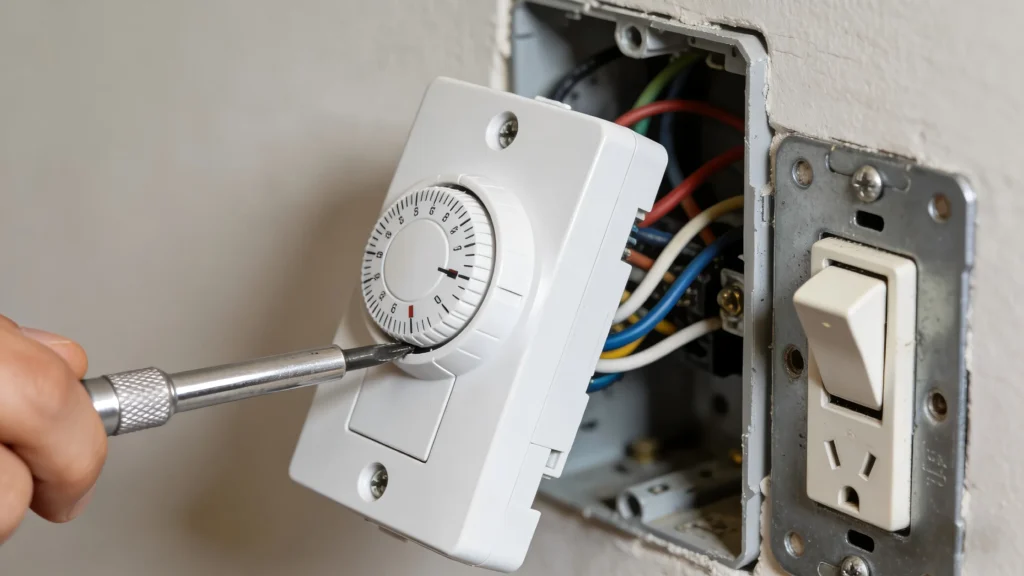
Here’s a clear process for answering common question: How do I use a mechanical timer switch?
Step 1: Set the Current Time
Rotate the main dial clockwise. There is usually an arrow or Time Now mark on the surface of the timer. Continue to rotate until the arrow points to the current time of the day.
QJC Electric Note: Please be sure to distinguish AM (morning) and PM (afternoon). Usually, there will be light and dark areas on the dial to distinguish.
Step 2: Determine Your Schedule
Decide when you want the device to be turned on. For example, you may want the desk lamp to be turned on at 6: 00 p.m. and turned off at 11: 00 p.m.
Step 3: Engage the Pins
Find the dials around the dial (tabs).
Push Down or Pull Up: On most models, pressing the dial indicates that the timer is set to ON during this time period.
Please ensure that all dials between 6: 00 p.m. and 11: 00 p.m. have been pressed.
For the time period when you want the device to be OFF, keep the dial fixed (usually lifted).
Step 4: Insert the Power Supply
Insert the mechanical timer switch into the wall socket. Then, insert your device into the timer. Ensure that the physical switch of your device is in the ON position so that the timer can control the current.
Step 5: Select the Mode
Most timers have a main switch on the side, marked as Outlet ON or Timer. Slide this switch to the timer position.
Applications of Mechanical Timer Switch
Although lighting is the most common use case, the versatility of mechanical timer switch allows a variety of creative applications:
- Holiday Decoration: Turn off Christmas lights automatically at midnight to save electricity.
- Aquarium: Adjust the photoperiod of fish and coral without expensive equipment.
- Grow Lights: Plants need specific light/dark cycles; the timer can maintain consistency.
- Slow Cooker: Delay the start of cooking (check your safety guide for specific appliances).
- Wi-Fi Routers: Some security-conscious users set timers to restart the router every night or turn it off during sleep time.
Common Troubleshooting Issues of Mechanical Timer Switch
Even a simple device like mechanical timer switch may encounter problems. Here is the solution.
Why is my timer buzzing?
A slight rotational sound is normal (after all it is motor-driven). However, a loud buzz usually indicates that the gear mechanism is dirty or faulty. Since these devices are sealed and inexpensive, replacement is usually the best option.
Why isn’t the timer off?
Check the side switch. Is it set to Outlet ON instead of Timer?
Check the dial. Are they stuck? Sometimes a single dial may bend, resulting in the switch can not be switched.
Why is time always not allowed?
If the power is off, mechanical timer switch will stop rotating. When the power is restored, the timer will lag behind the duration of the power outage. After each power outage, you must manually rotate the dial to correct the time.
Learn More about Mechanical Timer Switch
Mechanical timer switch combines low cost, high durability and ease of use to achieve high efficiency of home automation. Whether you install mechanical light switch timer for bathroom fans or use socket models for holiday security, this device is an indispensable tool for modern homeowners.
By choosing the mechanical option instead of the digital timer switch, you gain reliability and simplicity. Ready to automate your home? Check out the local hardware store or browse the mechanical timer switch online now.
For more tips on electrical safety and energy management, visit the U.S. Department of Energy.